Skip to product information
1 of 13

Step and Repeat Banner Adjustable Stand for Photo Studio

Step and Repeat Banner Adjustable Stand for Photo Studio

Rush Delivery Best Value Free Design
  • High-Quality Polyester Fabric
  • Vibrant Printing
  • Adjustable Stand
  • Customization Options
  • Easy Assembly and Portability
  • Versatile Hanging Options
⛊ Secure Checkout ✓✓ 100% Custom Guarantee 💲 No Hidden Fee or Upsells
  • American Express
  • Apple Pay
  • Google Pay
  • PayPal
  • Discover
  • Mastercard
  • Visa
  • Shop Pay
  • Diners Club
  • Venmo

Design Assistance with Every Order Badge

Need help or a custom request? Chat with us or email hello@printdrill.com — we go above and beyond to make sure you’re taken care of.

Free Design Proofing: We check every file for print quality & alignment. If needed, we’ll reach out to fix issues before printing.

View full details

Step and Repeat Banner Adjustable Stand — Photo Studio

A versatile, adjustable stand built for photo studios that need a reliable step and repeat backdrop. This professional backdrop setup gives photographers a clean, repeatable background for portraits, headshots, product shoots, and editorial sessions. Quickly adjust the frame to fit common banner sizes and integrate with existing studio lighting and production workflows for a consistent, camera-ready rig suitable for permanent studio rig installations or flexible shoot days.

Page title

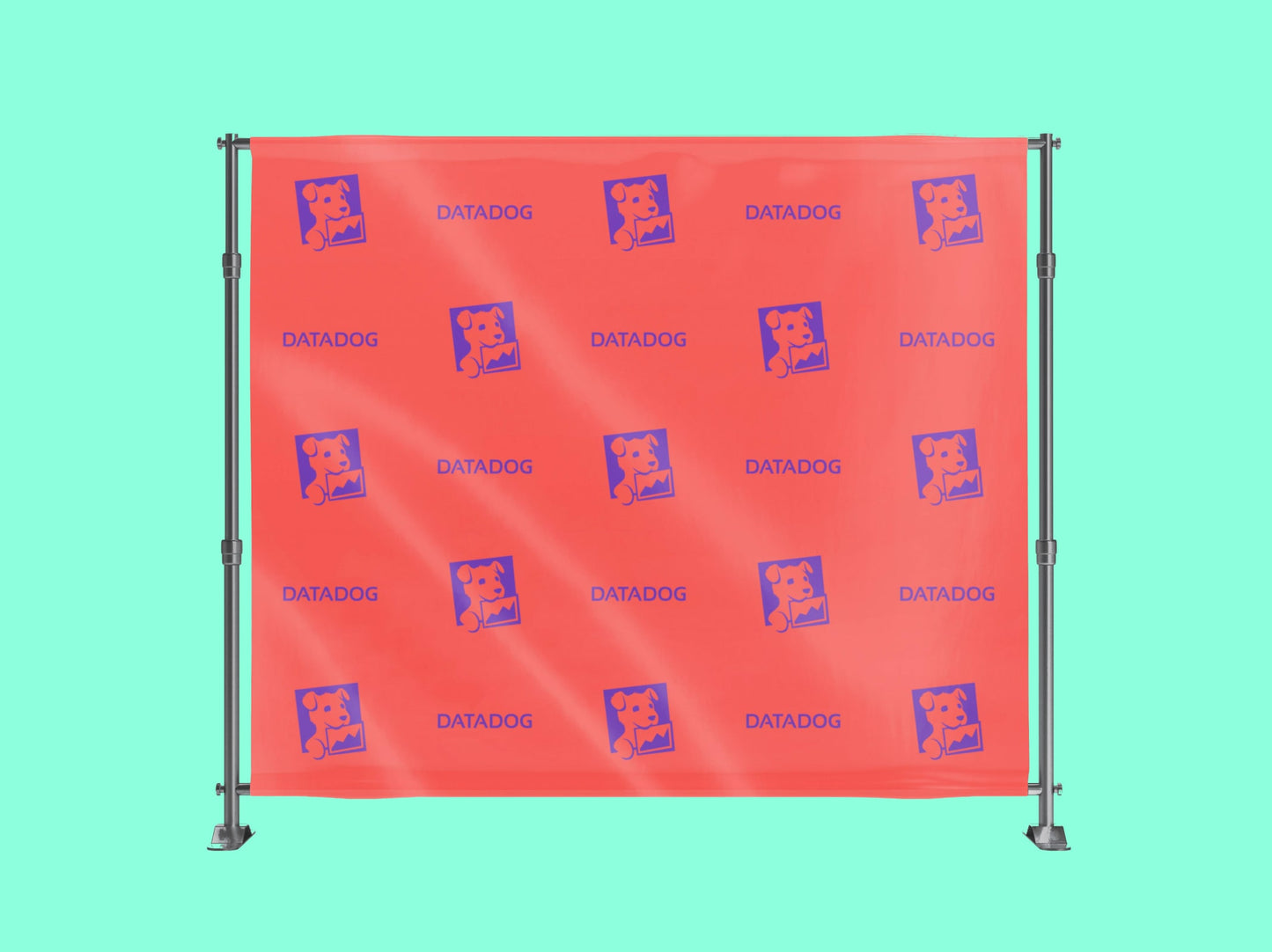
Step and Repeat Banners are essential tools for enhancing brand visibility and creating professional backdrops at various events.

Features:

  • High-Quality Materials: Crafted from durable polyester fabric or vinyl, these banners offer a smooth, non-glare surface ideal for photography.
  • Customizable Sizes:Available in various dimensions to suit different event requirements, ensuring a perfect fit for your venue.
  • Vibrant Printing:Utilizes high-resolution printing techniques, such as dye-sublimation, to produce sharp and vivid graphics that enhance brand logos and designs.
  • Easy Assembly:Equipped with user-friendly stands or frames, allowing for quick setup and takedown, making them convenient for multiple events.
  • Portability:Lightweight and often accompanied by carrying cases, facilitating effortless transportation between venues.

Usage:

  • Corporate Events: Ideal for conferences, trade shows, and product launches, providing a branded backdrop that reinforces company identity.
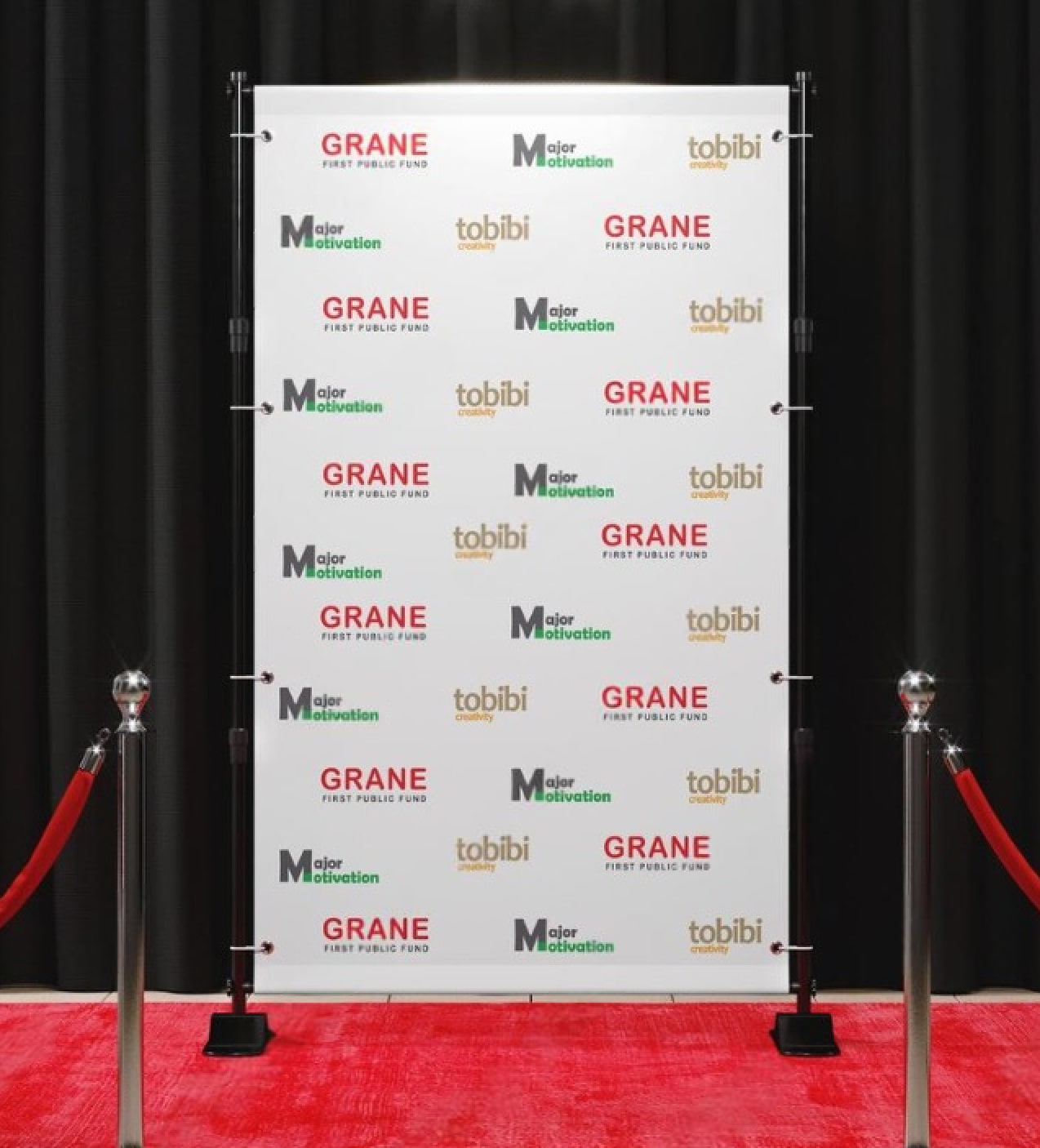
  • Red Carpet Events: Commonly used in galas, award ceremonies, and premieres to offer a glamorous background for attendee photographs.
  • Weddings and Parties: Adds a personalized touch to special occasions, allowing guests to capture memorable moments against a customized backdrop.
  • Press Conferences: Serves as a professional setting for media interactions, ensuring consistent branding in press photos and videos.
  • Retail Promotions: Enhances in-store displays and promotions, attracting customer attention and reinforcing brand messaging.

Incorporating step and repeat banners into your event setup not only elevates the aesthetic appeal but also ensures that your brand gains maximum exposure through every photograph taken.

How to Install the Banner Stand for Step and Repeat Banner

Installing your Step and Repeat Banner Stand is a quick and straightforward process. Follow these steps for hassle-free assembly:

Installation Steps:

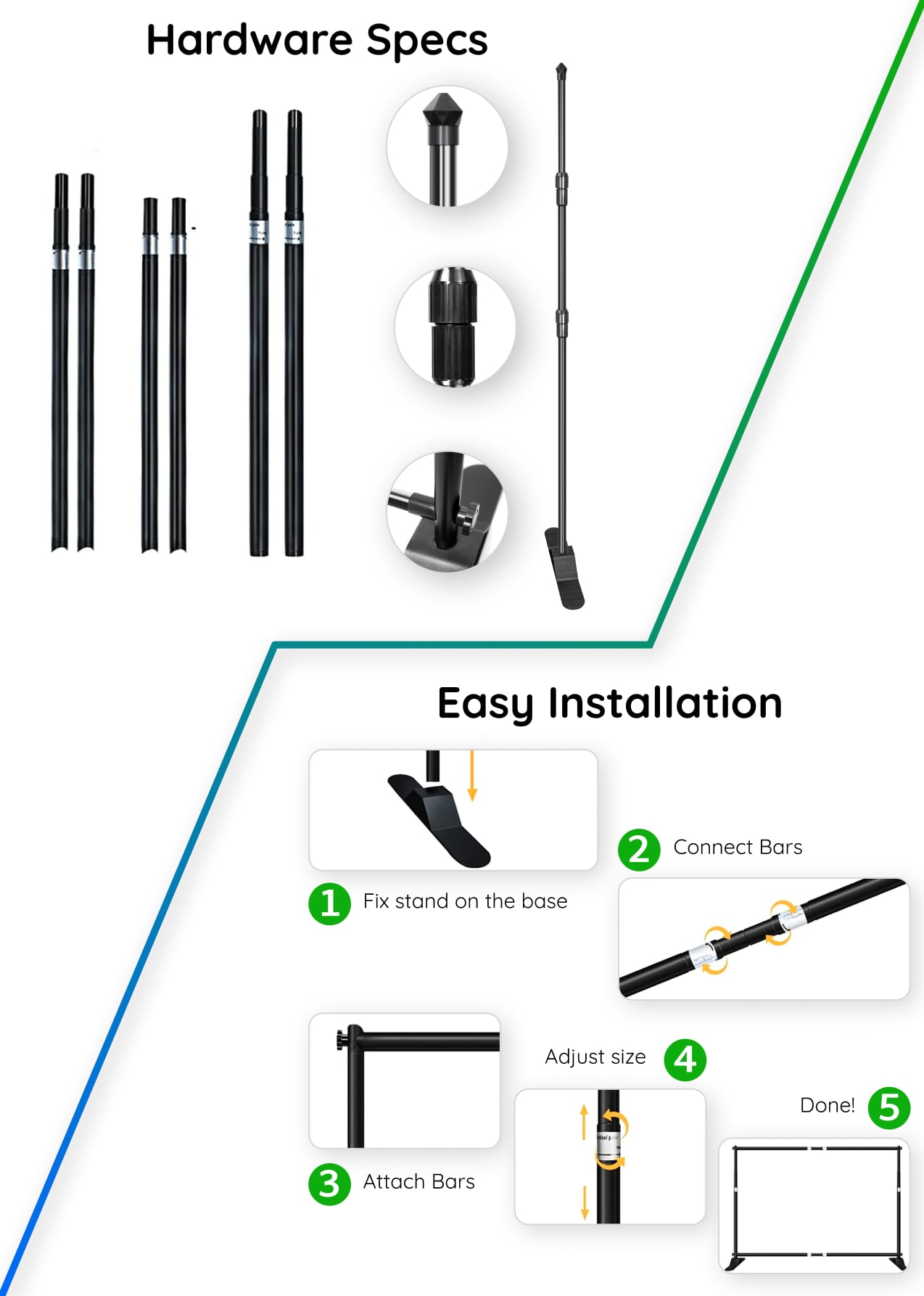
Unpack and Organize: Unbox the stand, banner, and hardware. Lay them out to ensure all components are accounted for, including poles, base, and screws.

Attach the Base: Secure the vertical poles to the sturdy base using the provided screws. Tighten them to ensure stability.

Assemble the Frame: Connect the horizontal poles to form the top and bottom sections of the frame. Ensure all connections are locked into place.

Slide the Banner: Insert the banner through the pole pockets on the top and bottom. For extra stability, align the fabric evenly.

Adjust the Size: Use the telescopic poles to adjust the height and width to your desired dimensions. Lock the poles in place with the adjustment knobs.

Stabilize the Stand: Double-check all connections and tighten screws to ensure the stand is stable and secure.

Final Adjustments: Smooth out the banner for a wrinkle-free display, ensuring your branding looks polished and professional. 

How to Take Care of Your Step and Repeat Banner

Proper care ensures your banner stays in excellent condition for repeated use. Follow these tips for maintenance:

Graphic Care Instructions:

Cleaning: Machine wash the banner at a normal temperature using mild detergent, or hand wash if necessary. Avoid harsh chemicals that could damage the fabric.

Drying: Dry flat for best results. You may also drip or line dry the banner. Use a tumble dryer on the gentlest setting if needed.

Removing Wrinkles: If the banner has wrinkles, use an iron at medium heat. Place plain paper or a protective sheet between the fabric and the iron to prevent damage. Avoid ironing soaked banners.

Storage:

Roll, Don’t Fold: To prevent creases, roll the banner loosely with the printed side facing outward.

Use the Carrying Bag: Store the banner and stand in the included carrying bag to protect against dust and damage during transport.

General Tips:

Keep Dry: If your banner has Velcro or rubber attachments, ensure these components remain dry during cleaning to avoid deterioration.

Inspect Regularly: Check the hardware for loose screws or signs of wear before and after each use.

By following these simple installation and care guidelines, your Step and Repeat Banner will remain a reliable and visually impactful backdrop for many events to come!

Collapsible content

How to Order?

Explore the most convenient way to order Signage and Print products online.

Step 1: Customize Your Product

Choose from material types, sizes, finishing options, and extras like lamination. Unsure? Our pre-selected options work for most needs, but feel free to adjust based on your preferences.

Step 2: Graphic Design Options

Upload your own design, use our templates, or let our designers create something for you based on your instructions.

Step 3: Upload Files Later (Optional)

If your design isn't ready, no worries! You can place your order now and upload the design later.

Step 4: Proofing & Approval

We provide free proofing to ensure everything looks perfect. You'll approve the final proof before production starts.

Product Specifications

Banner Material

  • Type: Polyester fabric
  • Weight: 6.8 oz (lightweight and wrinkle-resistant)
  • Finish: Matte, non-glare surface for optimal photography

Printing

  • Resolution: 1440 DPI dye-sublimation printing
  • Color: Full-color, vibrant, and fade-resistant graphics
  • Options: Single-sided or double-sided printing

Stand Material

  • Material: Aluminum
  • Components: Telescopic poles with locking mechanisms
  • Finish: Durable and lightweight for portability

Adjustable Dimensions

  • Width: 4.75' to 10'
  • Height: 4' to 8'

Pole Specifications

  • Top Pole Diameter: 1.18 inches
  • Bottom Pole Diameter: 1.49 inches
  • Pole Thickness: 0.05 inches

Weight

  • Approximately 24 lbs (including frame and fabric)

Additional Features

  • Carrying Bag: Included for easy transportation and storage
  • Assembly: Tool-free and quick to set up with telescopic poles
  • Hardware Adjustability: Suitable for various spaces and uses

Care Instructions

  • Machine washable or hand washable
  • Drip, line dry, or tumble dry on a gentle setting
  • Iron with plain paper protection, if needed, to remove wrinkles

Shipping Notes

  • Poles and banner graphics may be shipped separately for added protection during transit.

These specifications ensure your Step and Repeat Fabric Banner delivers a high-quality, professional backdrop experience with durability and versatility to match any event needs.

Question & Answers

FAQs for Step and Repeat Banner Adjustable Stand for Photo Studio

Q: Is this stand suitable for permanent studio rig installations?
A: Yes. The stand is intended for both temporary and longer-term studio setups where a consistent backdrop plane is needed. Studios commonly use it as part of a permanent studio rig or as a semi-permanent fixture depending on workspace layout and workflow.

Q: What banner types work with this stand?
A: It is designed to work with standard printed step and repeat banners. Many studios use banners with grommets, pole pockets, or hemmed edges; match your banner attachment method to the frame for the best fit.

Q: Can I use the stand with my existing studio lighting?
A: Yes. The stand is studio lighting compatible and intended to function alongside typical lighting setups. Maintain proper spacing and light control to avoid unwanted reflections or shadows on the banner surface.

Q: How adjustable is the stand for different shoot types?
A: The stand offers adjustable dimensions to accommodate a range of common banner widths and heights used for portrait, group, and product shoots. Check banner and frame measurements to confirm fit before ordering or printing artwork.

Q: Will the banner stay taut and wrinkle-free?
A: When properly attached and adjusted, the stand is designed to hold banners flat to minimize wrinkles and sagging. Using banners with appropriate edge finishes and securing them evenly helps achieve the best on-camera results.

Q: Is this suitable for outdoor shoots?
A: The stand is optimized for indoor studio environments. If used outdoors, take precautions for wind and weather and provide proper anchoring and protection. For frequent outdoor use, assess the setup on location to ensure stability.

Q: Can I swap banners quickly between sessions?
A: Yes. The stand supports banner changes, allowing studios to switch graphics between bookings. The speed of change depends on the banner attachment method and your team’s workflow.

Q: What kind of studio spaces does this stand fit?
A: It is suitable for a variety of studio sizes, including small portrait studios and larger production spaces. Ensure the room provides the clearance needed for the chosen banner size and for lighting and camera placement.

Q: Does the stand require special tools to set up?
A: Installation is designed to be straightforward. Specific setup steps and required tools, if any, are provided with the product or available through product documentation. Studios typically integrate the stand into their existing equipment routines.

Q: How should I care for printed banners used on this stand?
A: Follow the care instructions from your print provider. In general, store banners rolled or folded per guidance, keep them away from extreme heat and moisture, and clean gently as recommended to preserve colors and surface finish.

Q: Can this stand handle large group shots?
A: The stand can be adjusted to accommodate wider banners used for group compositions. Confirm the banner and frame widths before planning large group shots to ensure the backdrop covers the framing area.

Q: Will studio cameras and lenses work with the backdrop without causing distortion?
A: Yes. The stand provides a flat background plane that works with standard camera and lens choices. Manage subject distance and lens selection to control perspective and background appearance for each shot.

Collapsible content

More info on Step and Repeat Banner Adjustable Stand for Photo Studio

Overview for Photo Studios

The Step and Repeat Banner Adjustable Stand is a dedicated photography hardware solution for studios that require repeatable, branded backdrops. Designed to support printed step and repeat banners, this stand creates a professional photo shoot frame that helps streamline setup, maintain consistent compositions, and present branded visuals clearly on camera.

Key Benefits for Photo Studio Use

  • Consistent Branding on Set: Provides a uniform surface for step and repeat graphics so logos and sponsor patterns register predictably in every frame — essential for headshots, red-carpet style shoots, and commercial sessions.
  • Fast, Repeatable Setups: Adjustable components help photographers recreate the same backdrop dimensions and alignment across multiple shoots and locations, reducing prep time and making scheduling more efficient.
  • Studio Workflow Friendly: Works alongside standard studio lighting and grip equipment, keeping the backdrop position stable while lights and modifiers are adjusted, so photographers maintain control over lighting and shadow.
  • Clean Visual Results: A taut, well-supported banner surface minimizes wrinkles and distractions on camera, improving post-production time and delivering more polished final images.
  • Flexible Placement: Suits both dedicated permanent studio rig installations and temporary set-ups for rental, on-location shoots, or multi-room studio environments.
  • Scalable for Different Shoots: Easily adapt the frame to different banner widths and heights used for full-body portraits, waist-up images, or group shots, supporting a broad range of studio projects.
  • Professional Presentation: Produces a refined backdrop for client deliverables, promotional content, press imagery, and event photography, reinforcing studio credibility.

Why This Stand Works Well in Photo Studios

Photo studios need dependable, repeatable backdrops that integrate smoothly with lighting setups and camera workflows. The Step and Repeat Banner Adjustable Stand is purpose-built to hold printed banners flat and steady, reducing retakes caused by movement or sag. Its adjustability allows studios to match banner dimensions to each session, making it straightforward to switch between portrait, group, and product arrangements without improvising fixes that can slow a shoot.

Typical Photo Studio Use Cases

This stand supports a range of studio scenarios, including:

  • Branding and sponsor backdrops for press and promotional shoots.
  • Headshot sessions requiring a clean, consistent background across multiple subjects.
  • On-set portrait photography for corporate or entertainment clients.
  • Product photography where a repeating logo or pattern is required behind small to medium-sized items.
  • Event-style set pieces recreated in a studio for social media or marketing campaigns.
  • Rental inventory for production houses offering turnkey backdrop solutions to clients.

Customization and Branding Options for Studios

The stand is designed to accommodate standard printed step and repeat banners. Studios typically pair this frame with custom-printed banners that match client branding, sponsor patterns, or campaign artwork. Common studio customizations include:

  • Custom-printed vinyl or fabric banners with repeat logos or patterns.
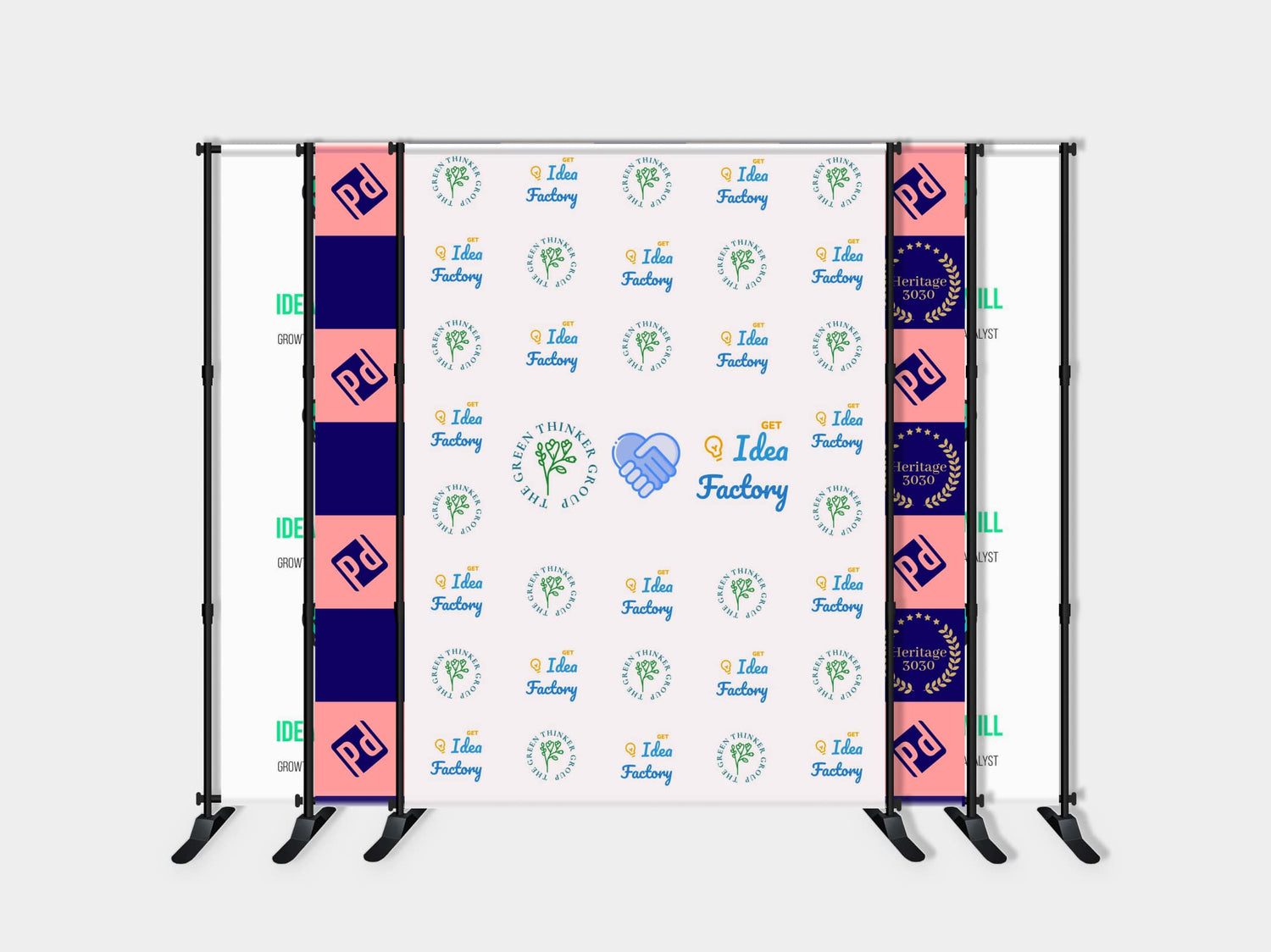
  • Multiple banner panels combined to cover wider frames for group shots or larger compositions.
  • Banner attachments that allow quick swapping between designs for back-to-back bookings.
  • Use with printed backdrops that include grommets, pole pockets, or hemmed edges to secure the banner smoothly to the frame.

When planning custom artwork, studios should match banner measurements to the frame dimensions to ensure a taut and centered appearance for on-camera results.

Integration with Studio Lighting and Gear

The stand is studio lighting compatible and intended to sit within a photographer’s usual lighting setup. It provides a stable background plane while lights, modifiers, and stands are positioned in front of it. For best results:

  • Allow adequate clearance between lights and the backdrop to prevent harsh shadows or glare on glossy printed surfaces.
  • Use flagging and diffusion as needed to control spill and maintain even illumination across the banner area.
  • Position the banner to accommodate camera lens choice and subject distance for consistent framing.

Environmental and Usage Considerations

This stand is optimized for controlled studio environments. Typical usage and care notes include:

  • Indoor studio use provides the most consistent results — avoid prolonged exposure to extreme outdoor conditions or high winds without appropriate anchoring and protection.
  • Protect printed banners from prolonged direct sunlight to reduce the chance of fading over time; rotate or store prints between sessions when possible.
  • Keep the frame and banner dry and clean; follow banner material care instructions from your print provider to maintain image quality.
  • When storing, disassemble or collapse components per instructions and keep parts organized to simplify future setups.

Installation and Setup Guidance for Studio Teams

The stand is intended to be part of standard studio procedures. A typical setup workflow:

  1. Position the frame on a level surface and roughly align the width and height to the banner size.
  2. Attach the printed banner using the banner’s edging method (grommets, pole pocket, or other attachment) so the artwork is centered and level.
  3. Tighten and adjust as needed to reduce wrinkles and ensure a flat surface for shooting.
  4. Light the backdrop evenly and test with camera to check exposure and color rendering before the session.

Maintenance Tips

  • Inspect attachment points and fasteners regularly to ensure secure operation between sessions.
  • Keep the stand components free of dust and studio residue; wipe down with a soft, dry cloth as needed.
  • Store banners rolled or folded according to the banner manufacturer’s guidance to avoid creasing that can show on camera.

Buying Confidence — Practical Reliability for Studio Workflows

Investing in a reliable banner frame simplifies studio operations by delivering a consistent backdrop that integrates smoothly with photography hardware, lighting, and client-facing presentations. For studios focused on branding, efficiency, and predictable shoot outcomes, the Step and Repeat Banner Adjustable Stand offers a practical solution to maintain quality across sessions. With routine care and correct banner pairing, it supports long-term use in a professional studio environment while helping reduce setup time and post-production adjustments.

Looking for our standard options? View our main Step and Repeat Banner Adjustable Stand page here.